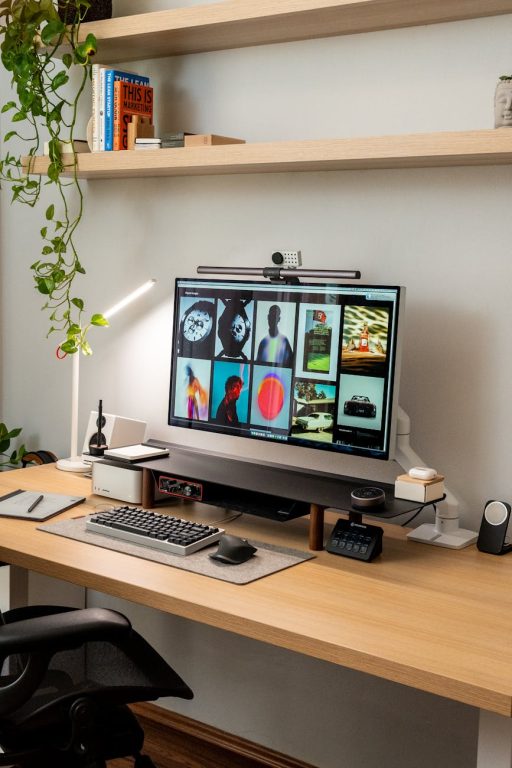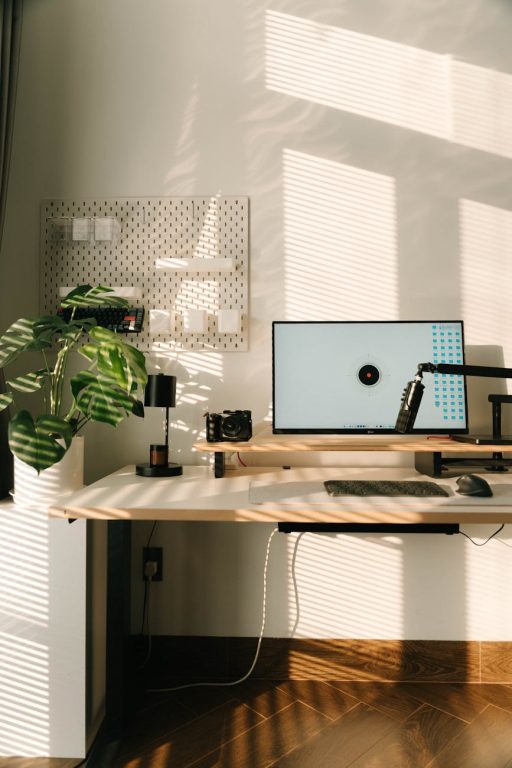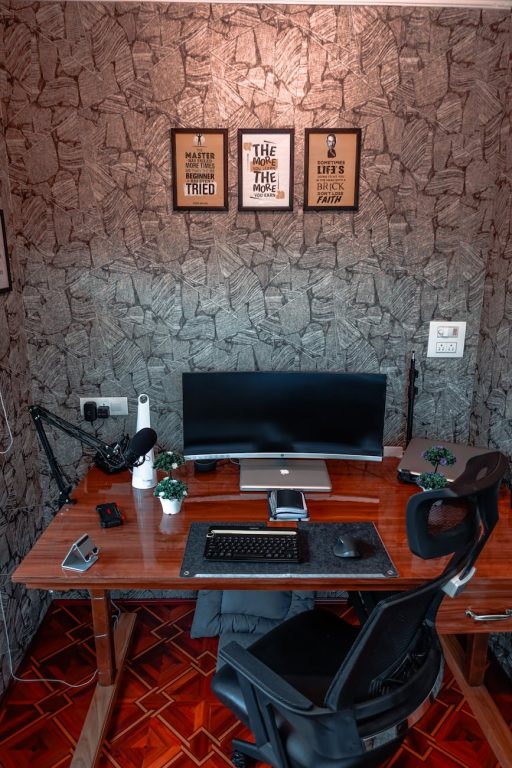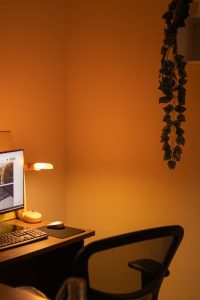

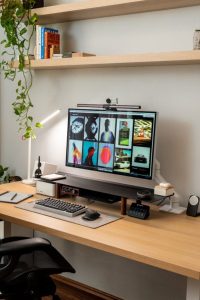

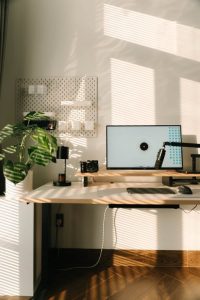

Creating an organized home office can make a significant difference in your daily productivity. A cluttered or poorly arranged workspace can lead to distractions, stress, and wasted time. On the other hand, a clean, well-organized office encourages focus, efficiency, and even creativity. Whether you work remotely full-time, freelance, or just need a space for occasional tasks, these simple tips will help you organize your home office to maximize your productivity.
1. Choose the Right Location
Before setting up your home office, pick an area that works best for your needs. Ideally, find a spot that is quiet, has good natural light, and is away from frequent household distractions. A dedicated room is perfect, but a quiet corner or part of a room can work well too.
Why Location Matters
– Reduces interruptions and noise
– Improves focus by creating a clear boundary between work time and personal time
– Enhances comfort with proper lighting and ventilation
2. Declutter and Prioritize Essentials
A key to an efficient workspace is limiting what’s on your desk and nearby shelves to only what you truly need.
How to Declutter Your Desk
– Clear everything off your desk and only put back items you use daily, such as your computer, planner, and pens.
– Store less frequently used items in drawers or cabinets.
– Avoid accumulating papers and documents by going digital when possible.
Benefits of Decluttering
– Creates mental clarity
– Minimizes distractions
– Makes it easier to find important items quickly
3. Invest in Storage Solutions
Storage plays a big role in organization. Use a combination of shelves, drawers, and organizers that fit your space and style.
Easy Storage Ideas
– Use filing cabinets or boxes for paper documents
– Install floating shelves to save floor space
– Use drawer dividers to keep small items like stationery neatly arranged
– Label containers and shelves for easy identification
4. Optimize Your Desk Setup
A comfortable and ergonomic setup supports longer focus periods and reduces physical strain.
Tips for a Functional Desk
– Position your computer monitor at eye level to prevent neck pain
– Use an adjustable chair with good back support
– Keep frequently used items (like your phone or notebook) within arm’s reach
– Arrange cables and chargers with clips or ties to avoid tangles
5. Use Color and Lighting to Your Advantage
Color and lighting can influence your mood and concentration.
How to Enhance Your Workspace with Color and Light
– Choose calming, neutral colors for walls and furniture to reduce visual noise
– Add pops of color with desk accessories or wall art to keep the space lively
– Maximize natural light by positioning your desk near a window
– Use adjustable lighting with a desk lamp for focused work during darker hours
6. Establish a Filing System
Without an effective way to handle papers, clutter can build up quickly. Create a filing system that matches your workflow.
Simple Filing Tips
– Sort papers into categories like bills, projects, and receipts
– Use color-coded folders or labels for quick sorting
– Schedule regular times to review and purge outdated documents
7. Keep Digital Files Organized
Physical organization works best when paired with digital organization.
Digital Organization Practices
– Create clear folder structures on your computer or cloud storage
– Use consistent file naming conventions
– Backup important files regularly
– Delete unnecessary files to keep your system speedy
8. Establish Daily and Weekly Cleaning Routines
Maintaining your organized office requires regular upkeep.
How to Stay on Top of Tidiness
– At the end of each day, spend five minutes tidying your desk
– Weekly, file documents and clear out any clutter that has accumulated
– Clean your keyboard, mouse, and surfaces to keep your space inviting
9. Personalize Your Space Thoughtfully
Adding personal touches makes your workspace more enjoyable without causing clutter.
Ideas for Personalization
– A small plant or two for freshness and improved air quality
– Inspirational quotes or photos that motivate you
– A comfortable mouse pad or wrist support
10. Set Boundaries and Work Hours
An organized space supports organization in your schedule.
Tips for Maintaining Productivity
– Define specific work hours to separate professional and personal life
– Communicate your schedule to family or roommates
– Use a planner or digital calendar to keep tasks on track
—
By implementing these simple tips, you can create a home office that invites productivity, creativity, and focus. Remember, organizing your workspace is a personal process, so feel free to adapt these suggestions to fit what works best for you. A well-arranged office isn’t just about tidiness—it’s about setting yourself up for success every day.