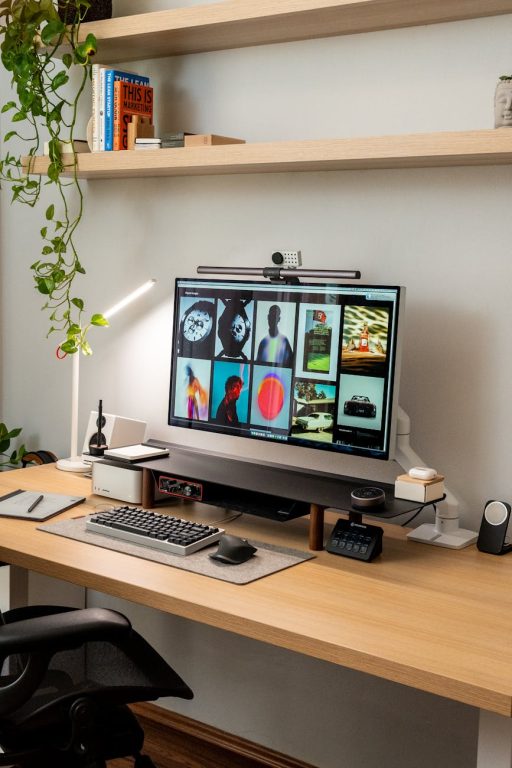





Creating a website that visitors enjoy and easily navigate is essential for keeping them engaged and encouraging them to explore more content. Navigation is the backbone of your site’s user experience—it helps people find what they need quickly and efficiently. This post will guide you through effective strategies for creating engaging and user-friendly website navigation.
Why Good Navigation Matters
Before diving into tips, it’s important to understand why navigation plays such a big role in website success. Clear navigation:
– Improves user experience by making information easy to find
– Increases the time visitors spend on your site
– Reduces bounce rates, as users won’t get frustrated and leave
– Supports search engine optimization by organizing content logically
With these benefits in mind, let’s look at how to create navigation that works well.
1. Keep Navigation Simple and Clear
Simplicity is key in navigation design. Visitors should understand where they are and where they can go next with minimal effort. Here are ways to keep navigation clear:
– Use familiar terms for menu items, avoiding jargon or creative wording that may confuse visitors.
– Limit top-level menu items to 5-7 options. Too many choices can overwhelm users.
– Arrange menu items logically, grouping related pages together.
– Use a clean and readable font, and ensure menu text contrasts well with the background.
2. Make Navigation Visible and Consistent
Your navigation should be easy to spot on every page. Consider these best practices:
– Place primary navigation at the top of the page or on the left sidebar, where users expect it.
– Keep navigation placement consistent throughout your site so users always know where to look.
– Use visual cues, like hover effects or highlighting, to show which menu item a user is interacting with.
– Avoid hiding navigation behind menus or icons that aren’t obvious, especially on desktop versions.
3. Use Dropdown Menus Wisely
Dropdowns can help organize large amounts of content without cluttering the main navigation. Use them effectively by:
– Keeping dropdown menus simple and not too deep (ideally only one or two levels).
– Designing dropdowns to open on hover or click, depending on your audience and device considerations.
– Making sure dropdowns are mobile-friendly and easy to use on touch screens.
– Avoiding dropdowns for critical navigation items to reduce the risk of users missing important content.
4. Optimize for Mobile Devices
A growing number of users browse websites on mobile phones or tablets, so mobile-friendly navigation is a must:
– Use responsive design to ensure navigation adapts to different screen sizes.
– Consider using a hamburger menu icon to save screen space, but make sure it’s recognizable.
– Make buttons and links large enough to tap easily with a finger.
– Prioritize essential navigation items in mobile view to keep menus simple and effective.
5. Include a Search Function
Sometimes users want to find something quickly without browsing menus. Adding a search box enhances navigation by:
– Helping users locate specific pages or content instantly.
– Serving as a backup when navigation menus are unclear or overwhelming.
– Improving accessibility for those who rely on keyboard or screen reader navigation.
Place the search box in a visible location, typically in the header or near the navigation menu.
6. Use Descriptive Labels
Menu labels should clearly describe the content or function of each page they link to. Tips include:
– Avoid vague terms like “Stuff” or “Things”; use clear names like “Services” or “Blog.”
– Use consistent naming conventions across the site.
– If needed, include short descriptions or tooltips for complex sections.
7. Highlight the Current Page
Users should always know where they are on your site. Help them by:
– Highlighting the active menu item with a different color or underline.
– Using breadcrumb trails to show the path from the homepage to the current page.
– Allowing easy navigation back to higher-level pages via clickable breadcrumbs.
8. Test Navigation with Real Users
What feels intuitive to you might not be as clear to others. Always test your navigation system:
– Ask friends, colleagues, or potential users to try navigating your site.
– Observe any confusion or difficulties they encounter.
– Make improvements based on their feedback.
– Use web analytics to see which pages users visit and if they get stuck or leave quickly.
9. Enhance Accessibility
Ensuring your navigation works well for everyone is important. Follow these recommendations:
– Make sure menu items are reachable via keyboard navigation.
– Use ARIA roles and labels to assist screen readers in understanding menus.
– Choose color contrasts that meet accessibility standards.
– Avoid using only color to indicate active or focused menu items.
10. Simplify Footer Navigation
Your footer can provide additional navigation options without overwhelming the main menu. Include:
– Links to less prominent but important pages such as Privacy Policy, Contact, or FAQs.
– Social media icons or other helpful resources.
– A mini sitemap if your site has many pages.
Keep footer navigation simple and organized to complement the primary menu.
—
Final Thoughts
Great website navigation balances simplicity, clarity, and functionality. By focusing on these tips, you can build a navigation system that helps visitors find what they need, enjoy browsing your site, and come back again. Always remember to keep testing and refining based on real user feedback and evolving web trends.
With thoughtful navigation design, your website will become a welcoming and engaging space that guides users effortlessly.