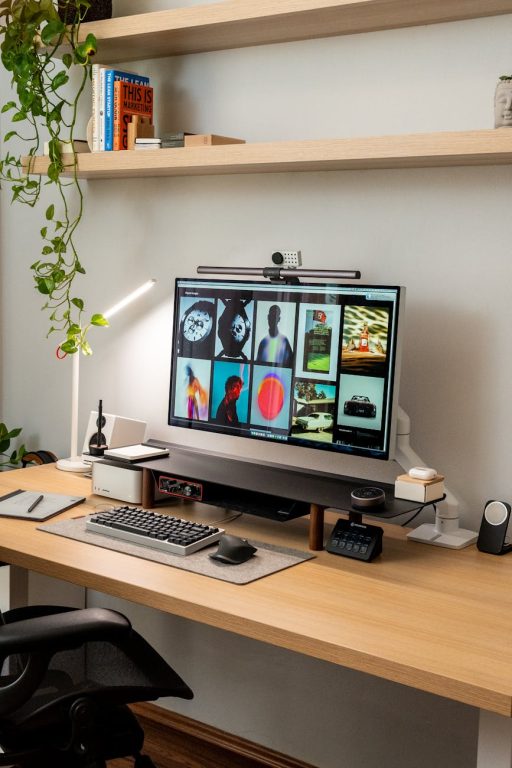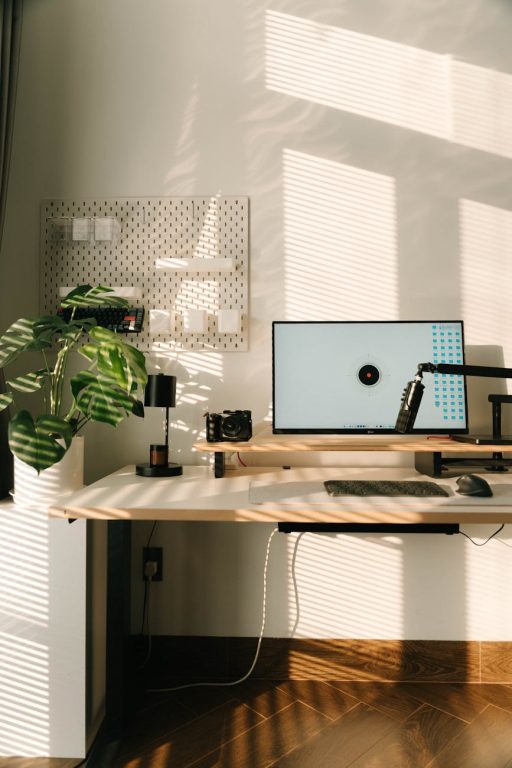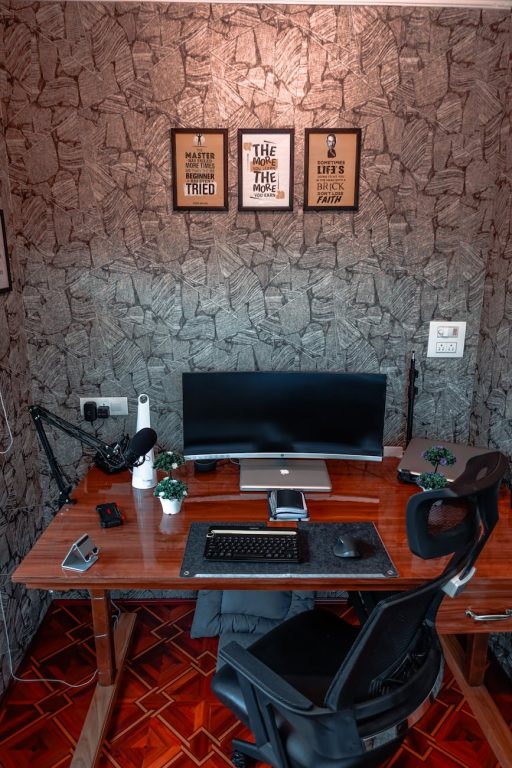


Creating a home workspace that feels relaxing and inviting is crucial for maintaining productivity and well-being, especially when you spend long hours working from home. A well-designed environment can reduce stress, minimize distractions, and help you focus better. This article shares practical tips to help you build a comfortable home office that supports both relaxation and efficiency.
Why a Relaxing Workspace Matters
Your surroundings greatly influence your mindset and output. A cluttered or uncomfortable workspace can lead to frustration, fatigue, and decreased motivation. On the other hand, a neat, tranquil space encourages concentration and creativity. By intentionally crafting your work area, you set yourself up for better focus and a more enjoyable workday.
Choose the Right Location
Start by selecting a spot that suits your lifestyle and work habits:
– Quiet and Private: Choose a space away from high-traffic areas where noise and interruptions are minimal.
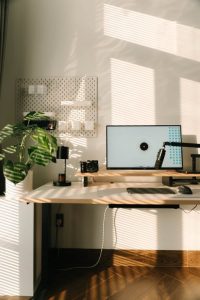
– Natural Light: Position your desk near a window to benefit from daylight, which can improve mood and energy.
– Adequate Space: Ensure there’s enough room for your desk, chair, and any equipment you need without feeling cramped.
If space is limited, consider creative solutions such as using a fold-away desk, converting a closet, or setting up a dedicated corner.
Invest in Ergonomic Furniture
Comfort is key for long hours at your desk. Ergonomic furniture supports your body and reduces strain:
– Chair: Select an adjustable chair with good lumbar support and comfortable cushioning.
– Desk: The height should allow your arms to rest comfortably with elbows at a 90-degree angle.
– Footrest: If your feet don’t rest flat on the floor, a footrest can help maintain good posture.
Proper ergonomics prevent discomfort and help sustain your focus during work sessions.
Minimize Clutter and Organize Efficiently
Clutter can overwhelm and distract. Keep your workspace tidy with these tips:
– Use Storage Solutions: Drawers, shelves, and organizers help keep supplies and papers out of sight but within reach.
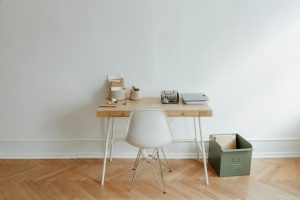
– Limit Desk Items: Only keep essentials on your desk to maintain openness and reduce visual distractions.
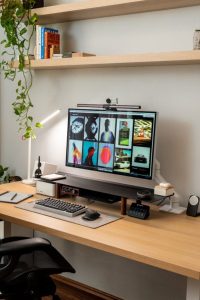
– Cable Management: Use clips or sleeves to keep cords neat and prevent tangling.
A clean environment fosters calm and allows you to concentrate better.
Incorporate Calming Colors and Decor
Color and decor affect your mood. Choose elements that promote relaxation:
– Soothing Colors: Soft blues, greens, and neutrals create a peaceful atmosphere.
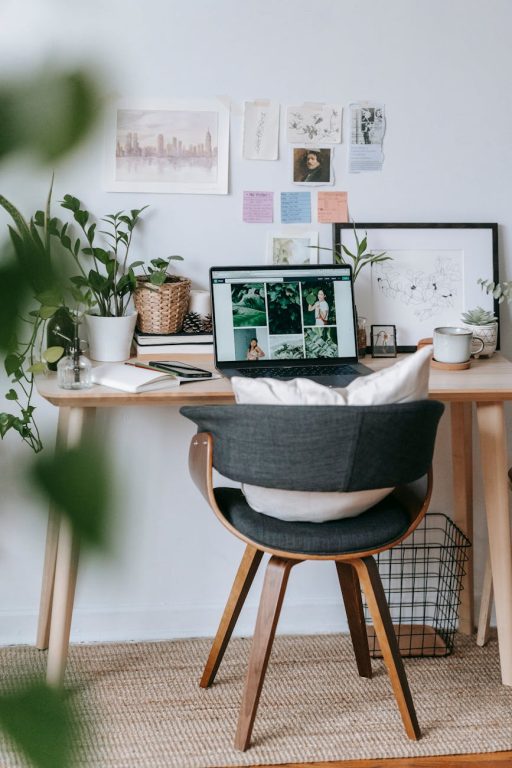
– Personal Touches: Plants, artwork, or meaningful objects add warmth and inspiration without overcrowding your space.
– Lighting: Use adjustable lighting, including desk lamps or dimmable bulbs, to control brightness and reduce eye strain.
Balancing aesthetics and functionality makes your workspace inviting and pleasant.
Control Noise and Distractions
Noise and interruptions can disrupt your workflow. Manage them by:
– Using Noise-Canceling Headphones: These help block out background sounds.
– Playing Soft Background Music: Instrumental or ambient sounds can boost concentration.
– Setting Boundaries: Inform family or housemates about your work hours to minimize interruptions.
Creating a quiet environment helps maintain focus and reduces stress.
Take Breaks and Move Around
A relaxing workspace also means encouraging healthy routines:
– Schedule Breaks: Step away from your desk every hour to rest your eyes and stretch.
– Create a Break Zone: A separate, cozy area for short breaks can mentally refresh you.
– Incorporate Plants: Greenery can improve air quality and provide a natural, calming focal point during breaks.
Regular movement and mental breaks help prevent burnout and keep productivity high.
Optimize Technology Setup
Ensure your devices support efficient work without adding frustration:
– Reliable Internet: A strong connection avoids delays and disruptions.
– Organized Workspace Tech: Docking stations or stands keep laptops and monitors at eye level.
– Use Multi-Functional Devices: Scanners, printers, or all-in-one devices keep your workspace compact and effective.
Proper tech setup reduces downtime and supports smooth workflows.
Maintain a Consistent Routine
Your workspace works best when paired with a routine:
– Set Work Hours: Define start and end times to create balance.
– Plan Your Day: Use to-do lists or planners within easy reach.
– Regularly Refresh Your Space: Declutter and tidy up weekly to maintain a relaxed atmosphere.
Routine helps you mentally separate work and personal time, enhancing overall comfort.
—
By applying these tips, you can transform any area into a relaxing home workspace that promotes comfort and maximizes productivity. Remember, your ideal setup is personal—adjust these ideas to fit your needs and preferences for the most effective results.