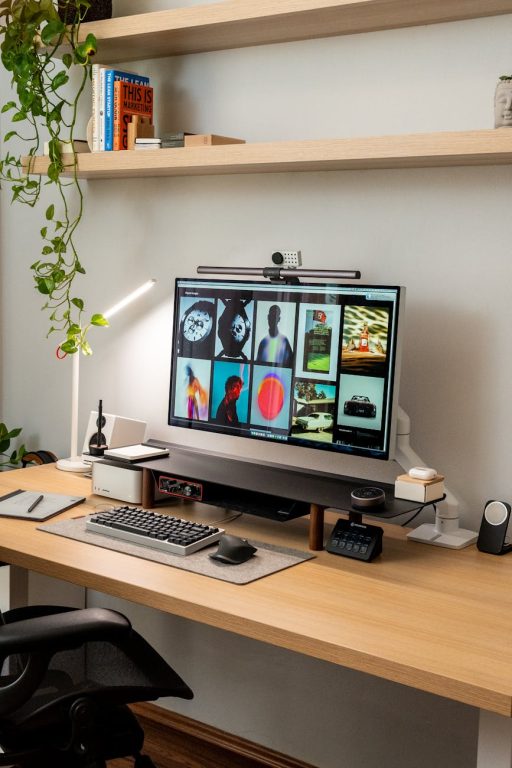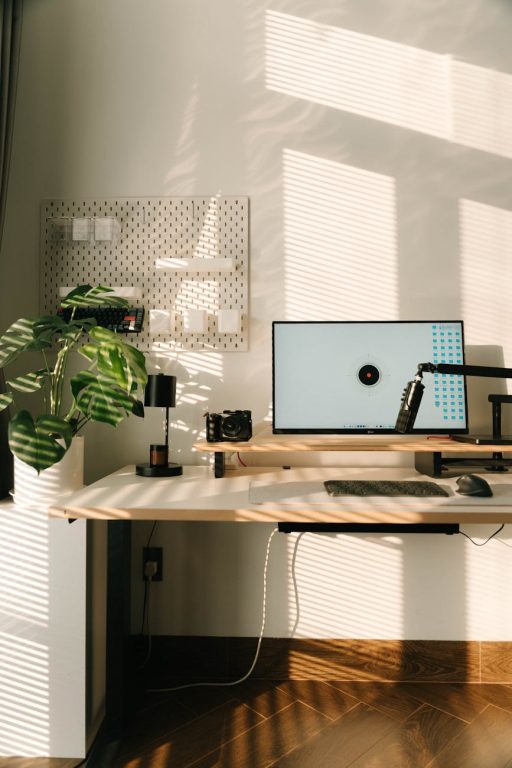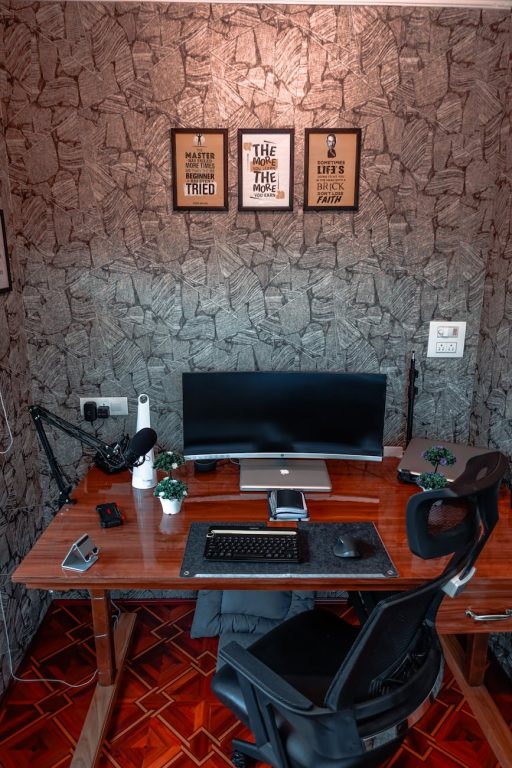

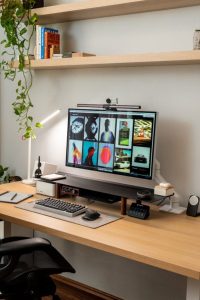

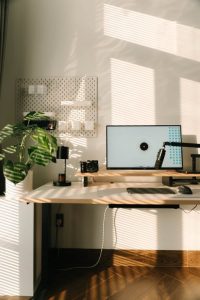
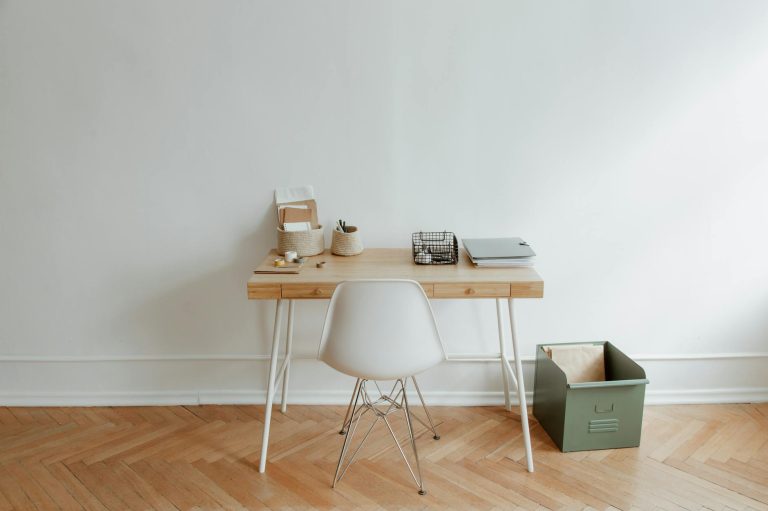
Creating a productive home office environment is essential for anyone working remotely or managing tasks from home. A well-designed workspace can increase focus, reduce stress, and improve work-life balance. Whether you have a dedicated room or a small corner, these tips will help you build an effective home office tailored to your needs.
Choose the Right Location
Quiet and Away from Distractions
Select a space in your home that is quiet and away from household distractions like the TV or busy family areas. This helps you maintain concentration throughout the workday.
Natural Light
Whenever possible, set up your office near a window. Natural light enhances mood and energy levels. If natural light is limited, invest in a good quality lamp with adjustable brightness to reduce eye strain.
Invest in Ergonomic Furniture
Comfortable Chair
A supportive chair with adjustable height, lumbar support, and comfortable cushioning prevents back pain and helps maintain good posture.
Proper Desk Height
Your desk should allow you to work with your arms at a 90-degree angle. If using a regular table, consider an adjustable desk riser.
Monitor Position
Place your computer monitor at eye level, about an arm’s length away. This reduces neck strain and improves comfort.
Organize Your Workspace
Declutter Regularly
A clean and tidy workspace minimizes distractions and helps you focus. Remove unnecessary items and papers daily.
Storage Solutions
Use shelves, filing cabinets, or drawer organizers to keep documents and supplies neatly stored but easily accessible.
Cable Management
Keep cords and cables organized to avoid tangling and clutter. Use clips, ties, or cable boxes as needed.
Establish a Routine and Boundaries
Regular Hours
Set consistent start and finish times to create structure. Communicate these hours to family or housemates to minimize interruptions.
Breaks and Movement
Take regular breaks to stretch or walk around. This boosts physical health and mental clarity.
Separate Work and Personal Life
Avoid working in areas associated with relaxation, like the bedroom. When your workday ends, physically step away from your office space if possible.
Utilize Technology and Tools Effectively
Reliable Internet Connection
A stable internet connection is essential for seamless communication and workflow. Consider upgrading if you experience frequent dropouts.
Productivity Apps
Use tools like calendars, to-do lists, or project management apps to organize tasks and deadlines efficiently.
Noise-Canceling Headphones
If your environment is noisy, headphones can help reduce distractions and improve focus during calls or deep work.
Personalize Your Space
Add Plants or Artwork
Incorporating greenery or favorite art pieces can create a more inviting and motivating atmosphere.
Comfortable Temperature
Ensure your workspace is well-ventilated and kept at a comfortable temperature to avoid discomfort.
Keep Essentials Within Reach
Items like water, snacks, pens, and notebooks should be nearby to reduce interruptions.
Prioritize Good Lighting
Balanced Lighting
Combine ambient lighting with task lighting for reading and computer work. Avoid harsh glare on screens.
Adjust for Time of Day
Use dimmers or adjustable lights to suit different times of day and reduce eye fatigue.
Manage Noise and Distractions
White Noise or Music
Fans, white noise machines, or calm background music can help mask distracting sounds.
Set Clear Guidelines
If possible, explain your work schedule to family or roommates and ask for support in maintaining quiet during key working hours.
Final Thoughts
Creating a productive home office environment requires some planning and consistent effort. By selecting the right location, investing in ergonomic furniture, organizing thoughtfully, and setting clear routines, you can make your home office an area where you can work efficiently and comfortably every day. Remember, small changes can have a big impact on your productivity and well-being. Experiment with what works best for you and adjust as your needs evolve.